Help
Overview
Welcome to StallLead Pro help
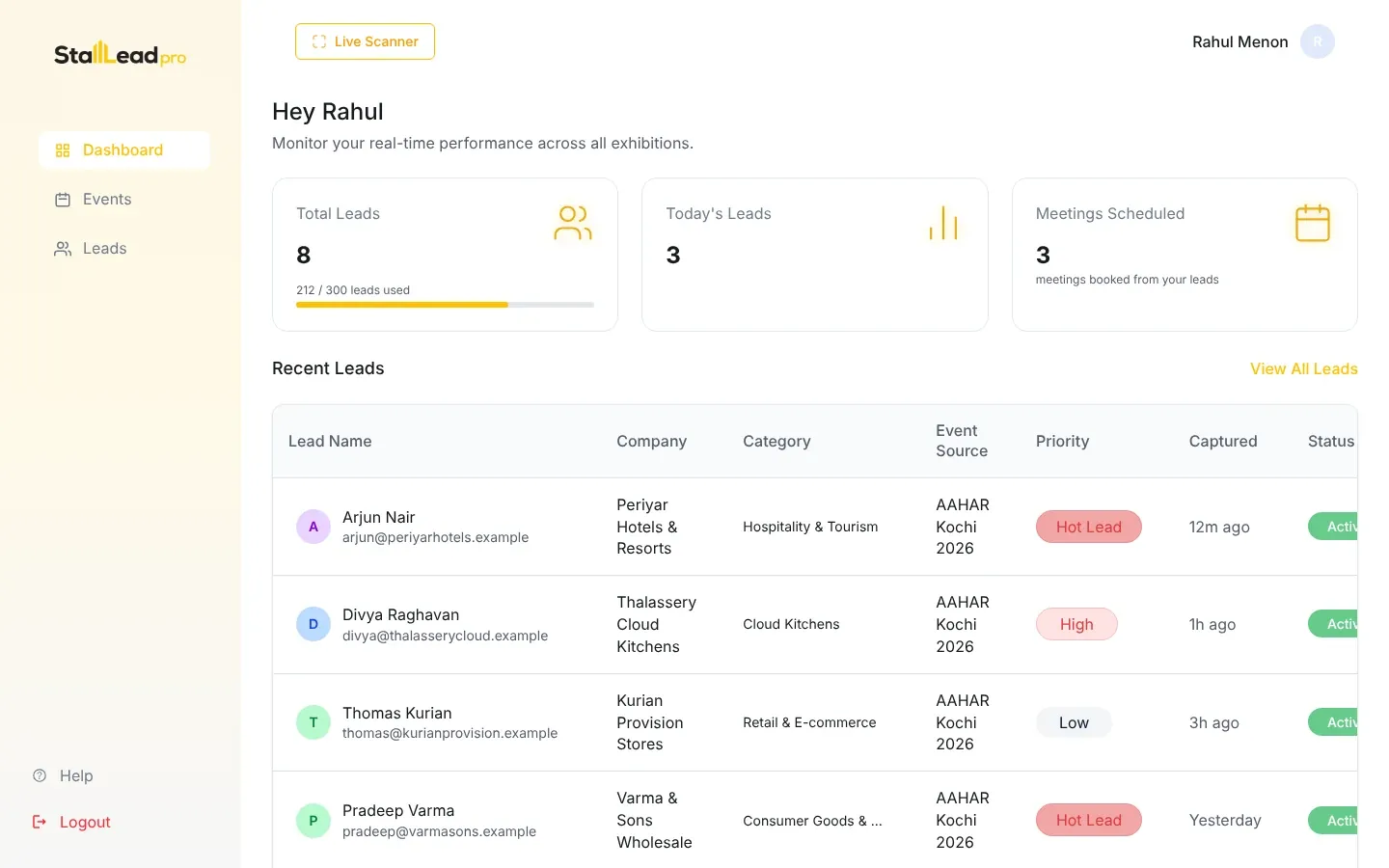
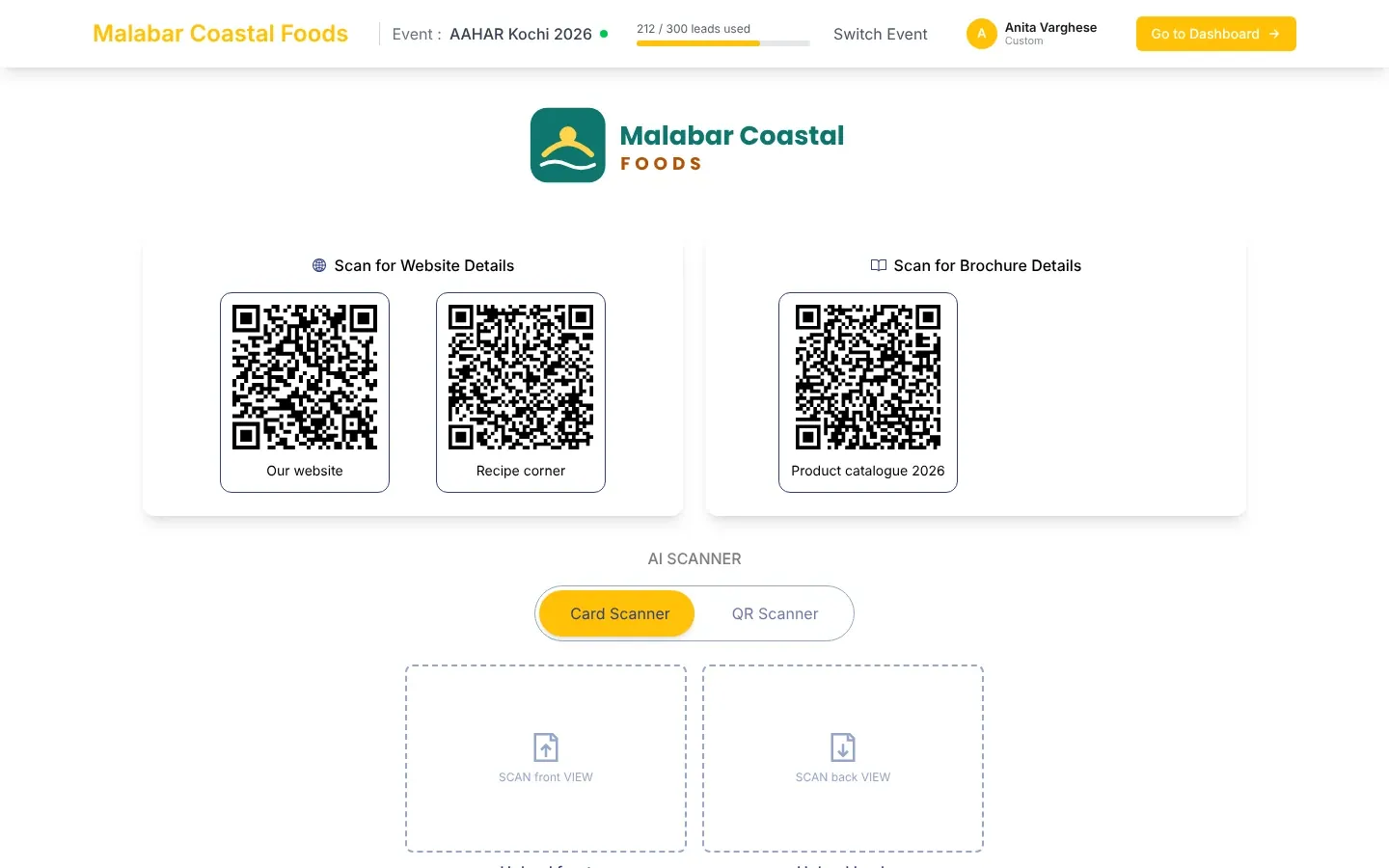
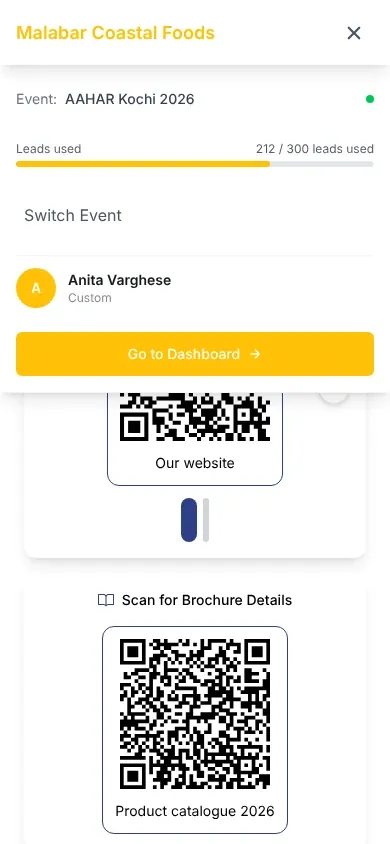
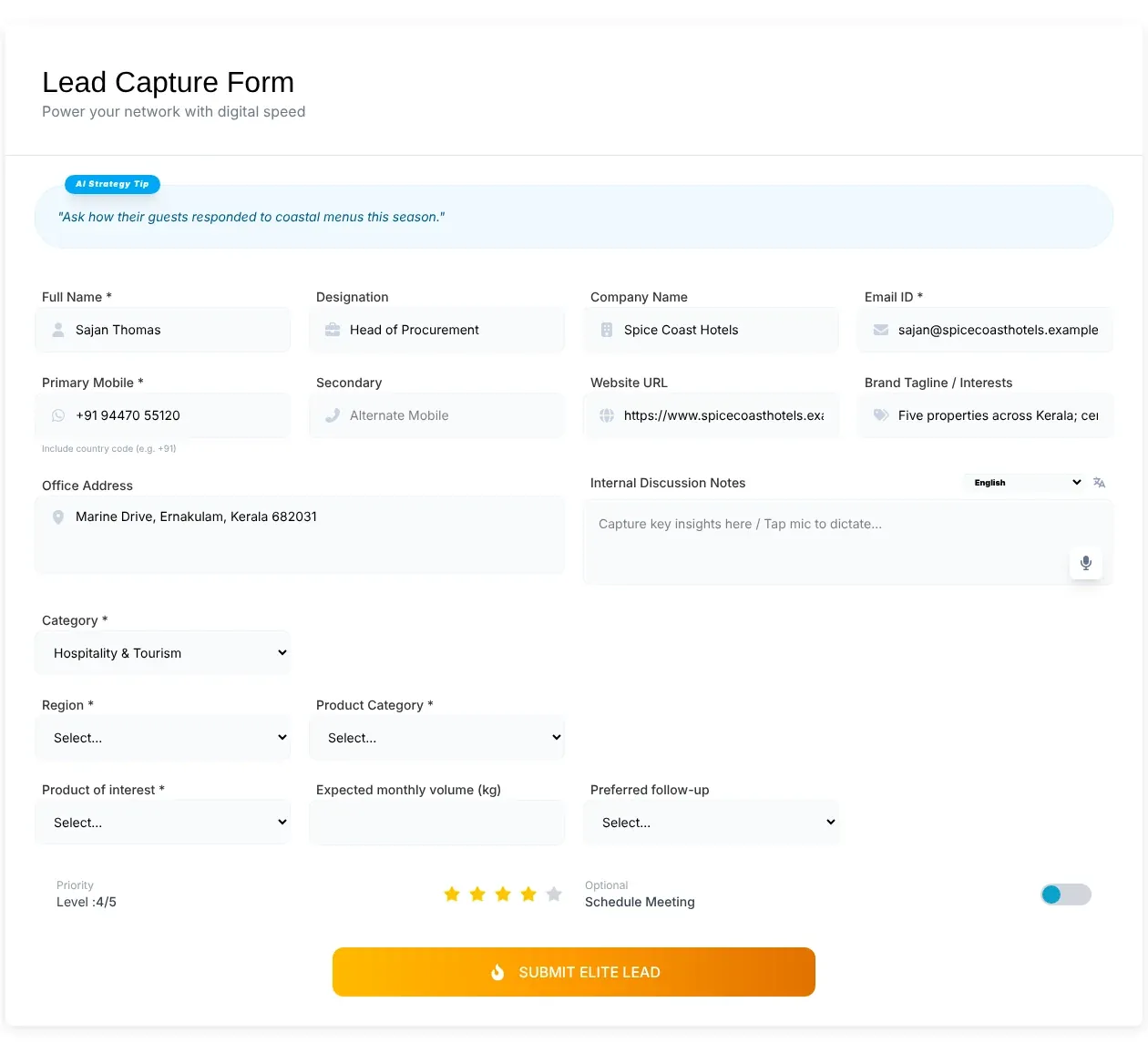
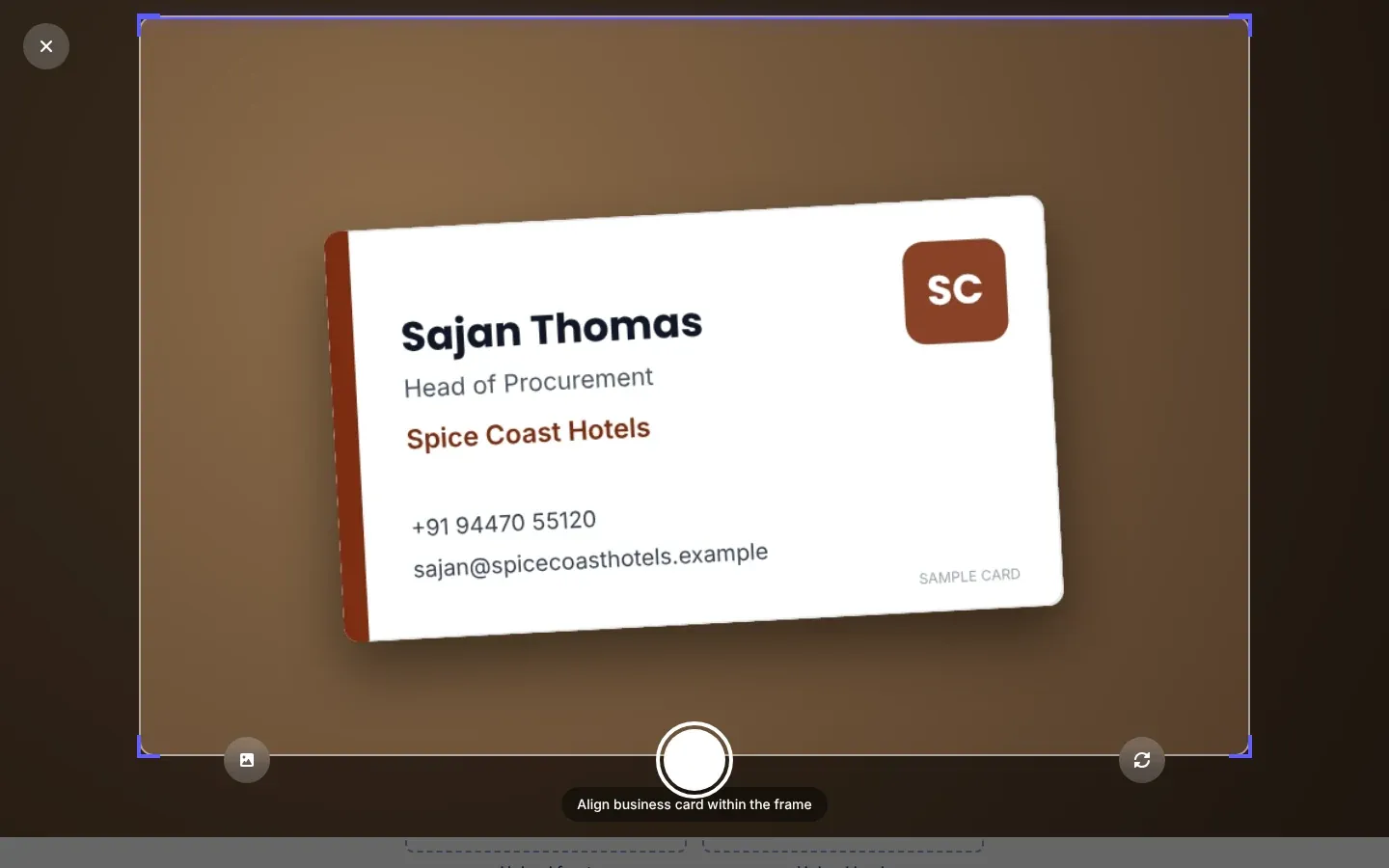
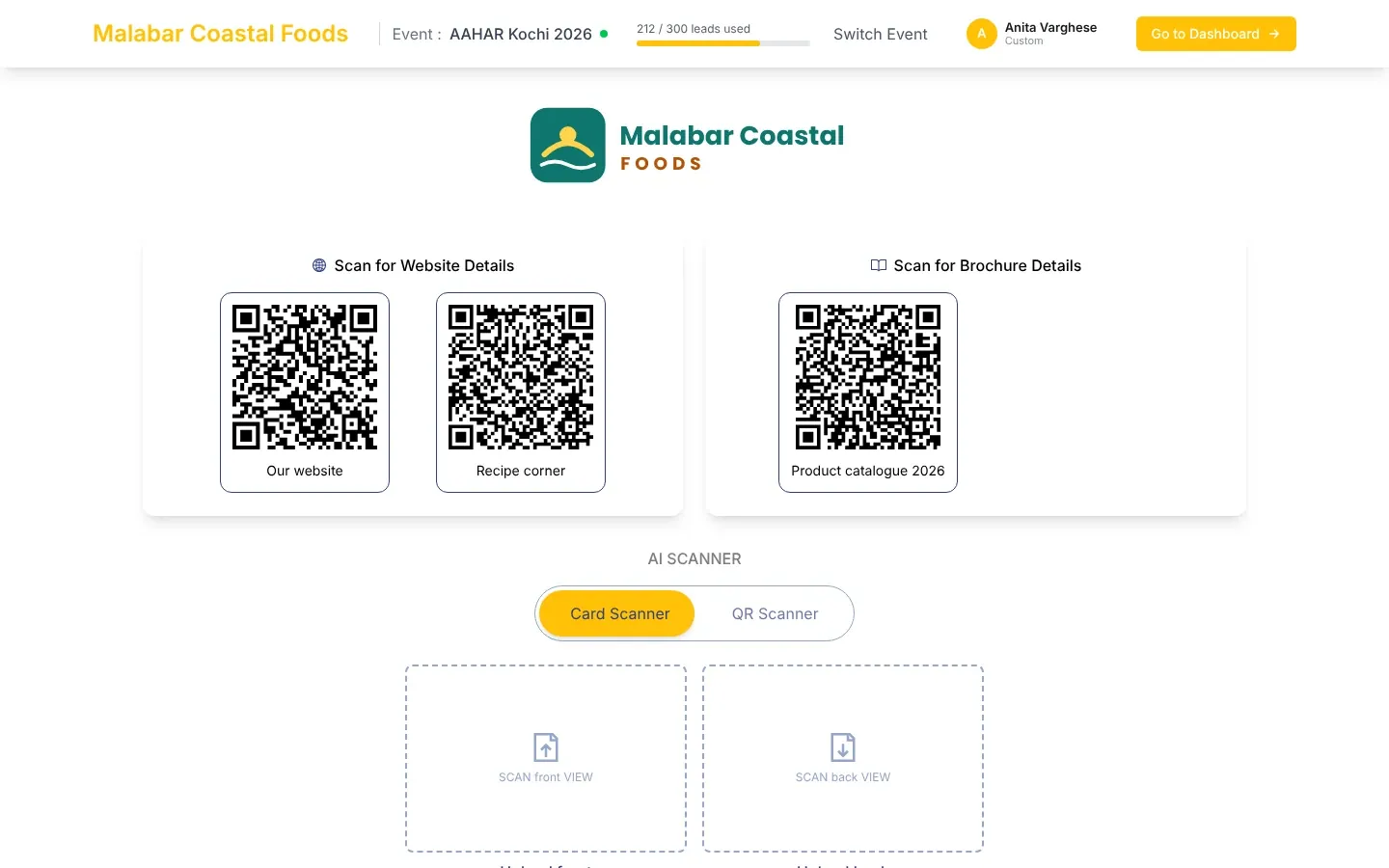
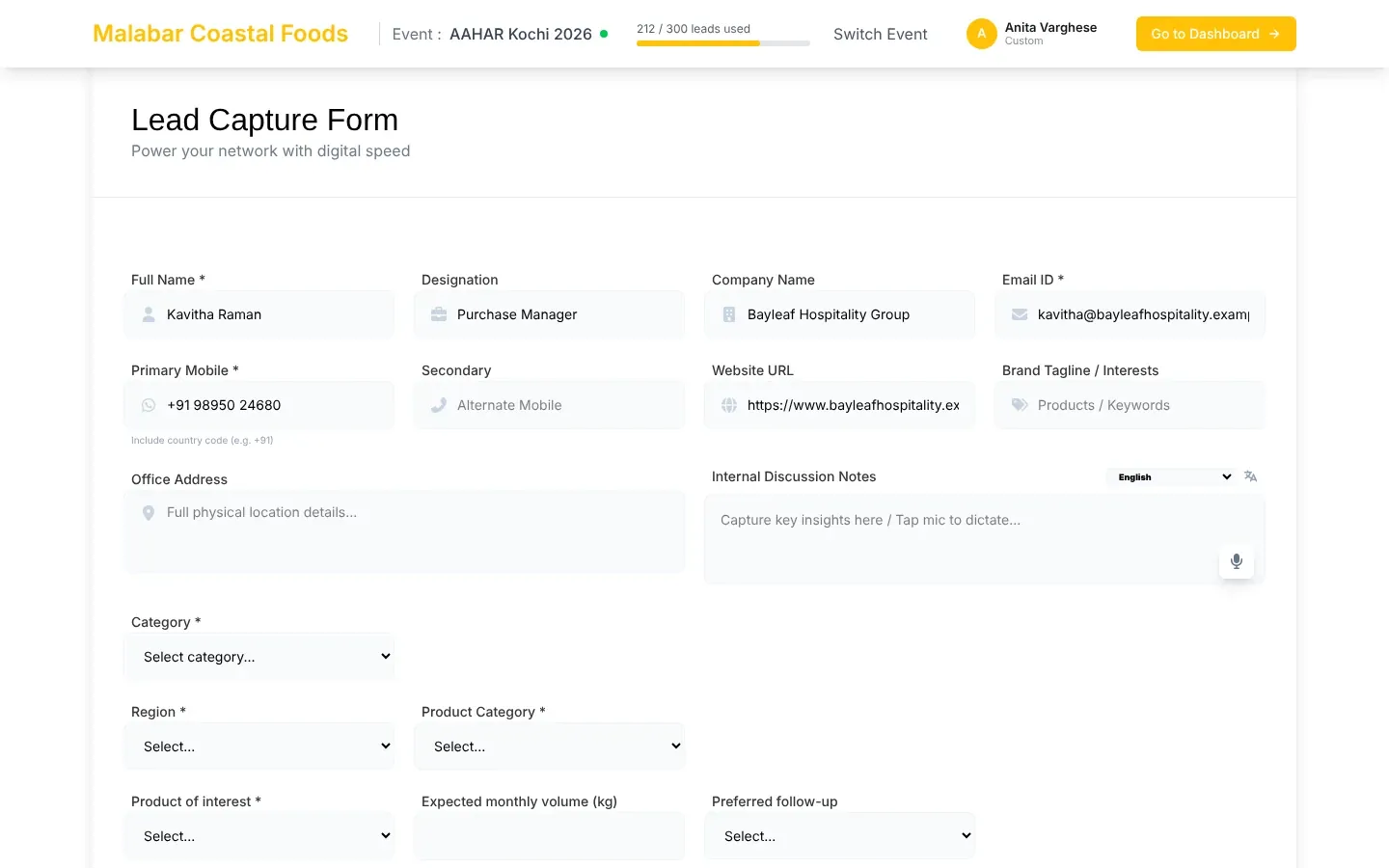
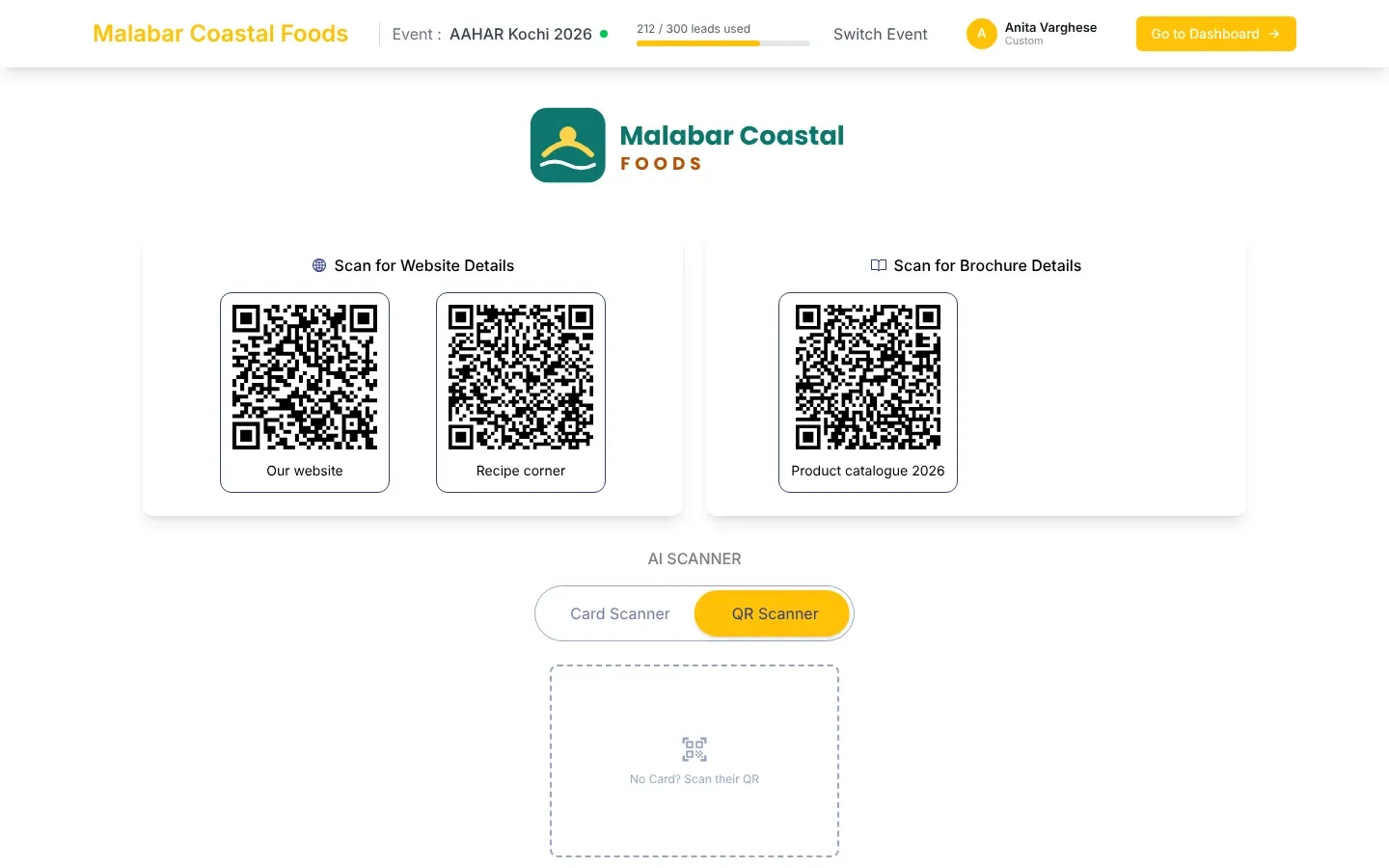
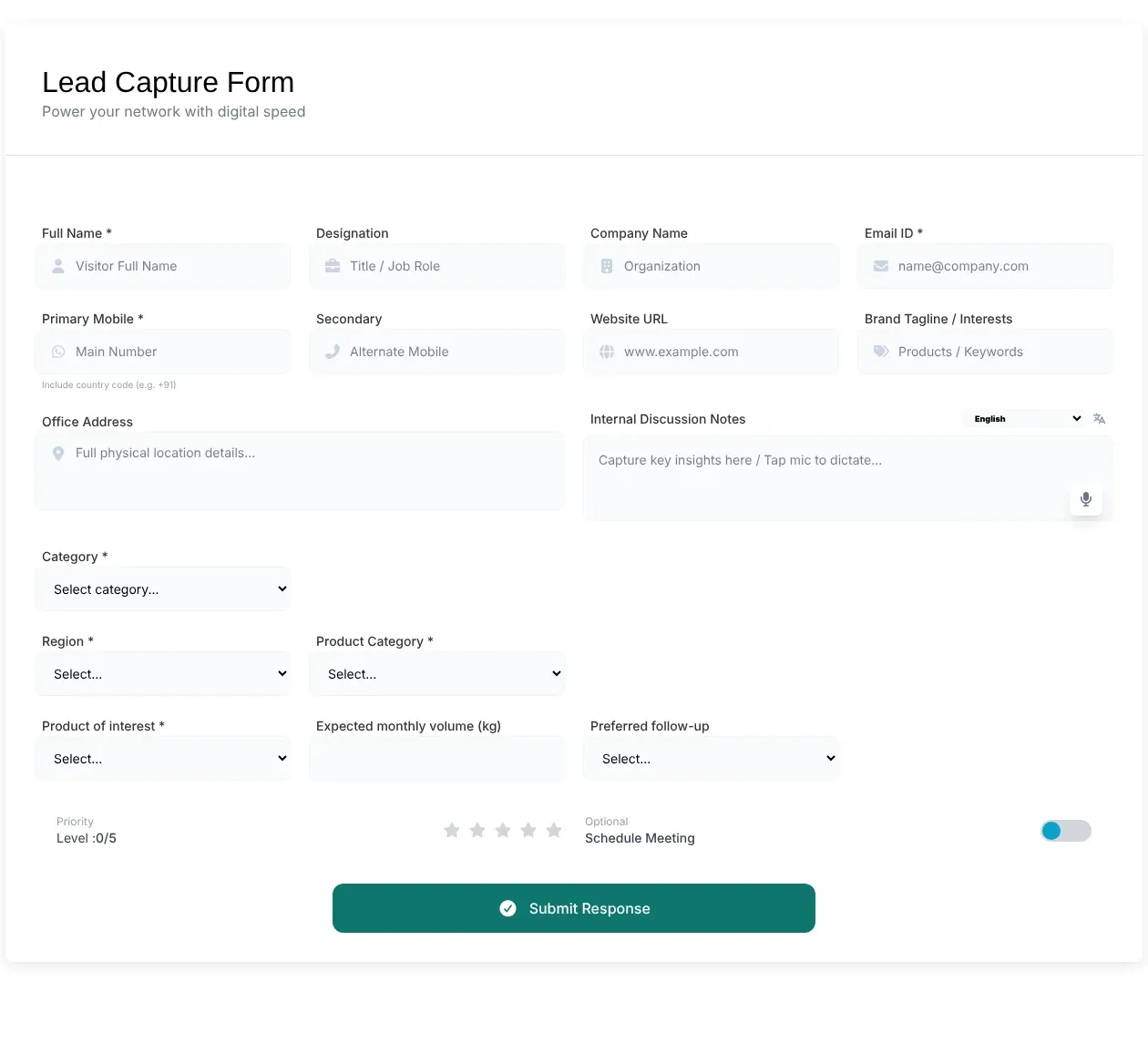
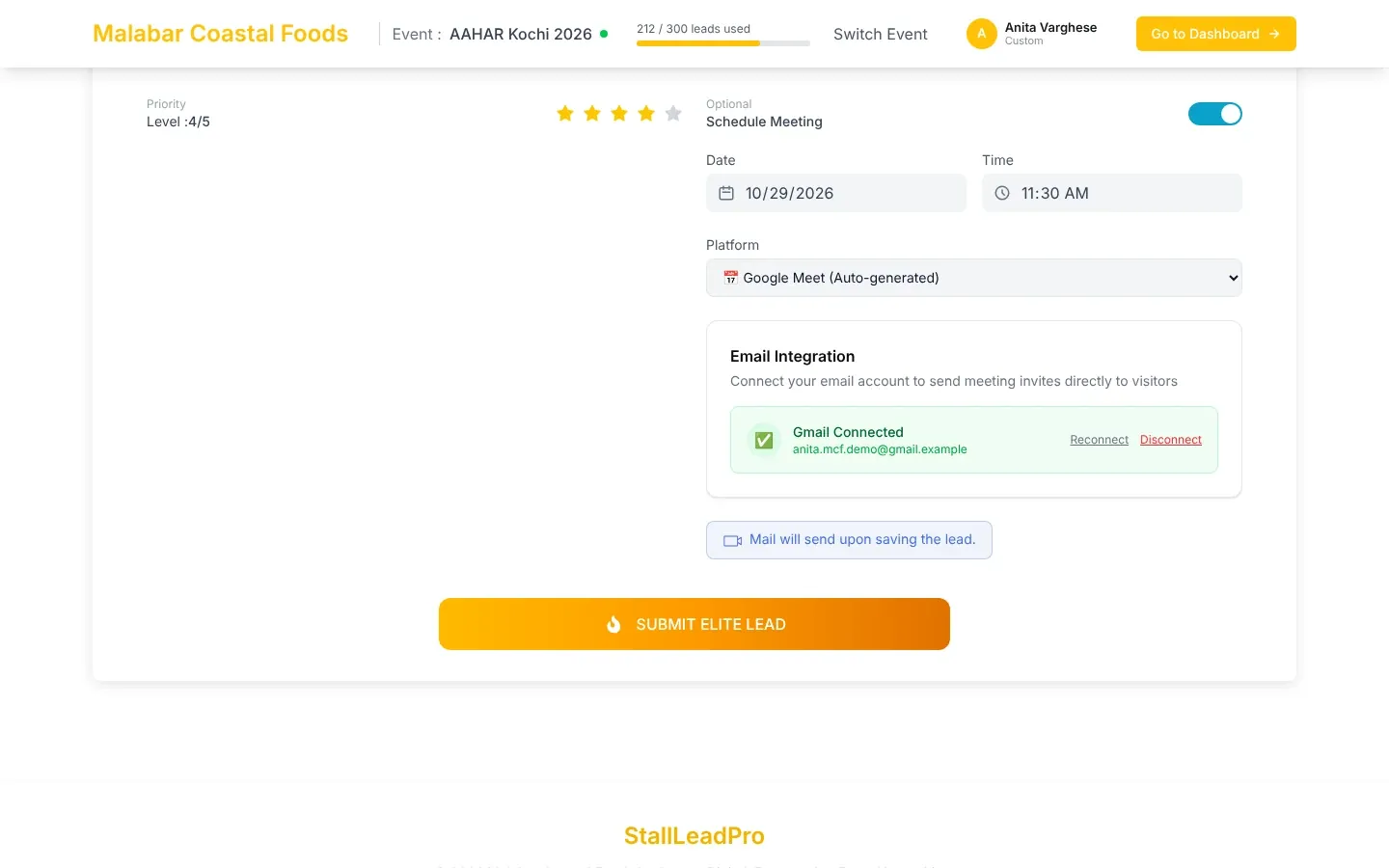
StallLead Pro turns the visitors you meet at an exhibition stall into organised, followed-up leads. Your team scans a visitor's business card or badge QR code on a phone or tablet, the details fill in by themselves, and the lead appears on your dashboard straight away — with the thank-you email, meeting invitation and CRM record following from it.
New to StallLead Pro? Read the Overview first — What StallLead Pro does, Features at a glance and the three How it works pages — before the step-by-step pages.
| If you want to… | Start here |
|---|---|
| Understand the product in five minutes | What StallLead Pro does |
| See everything it can do | Features at a glance |
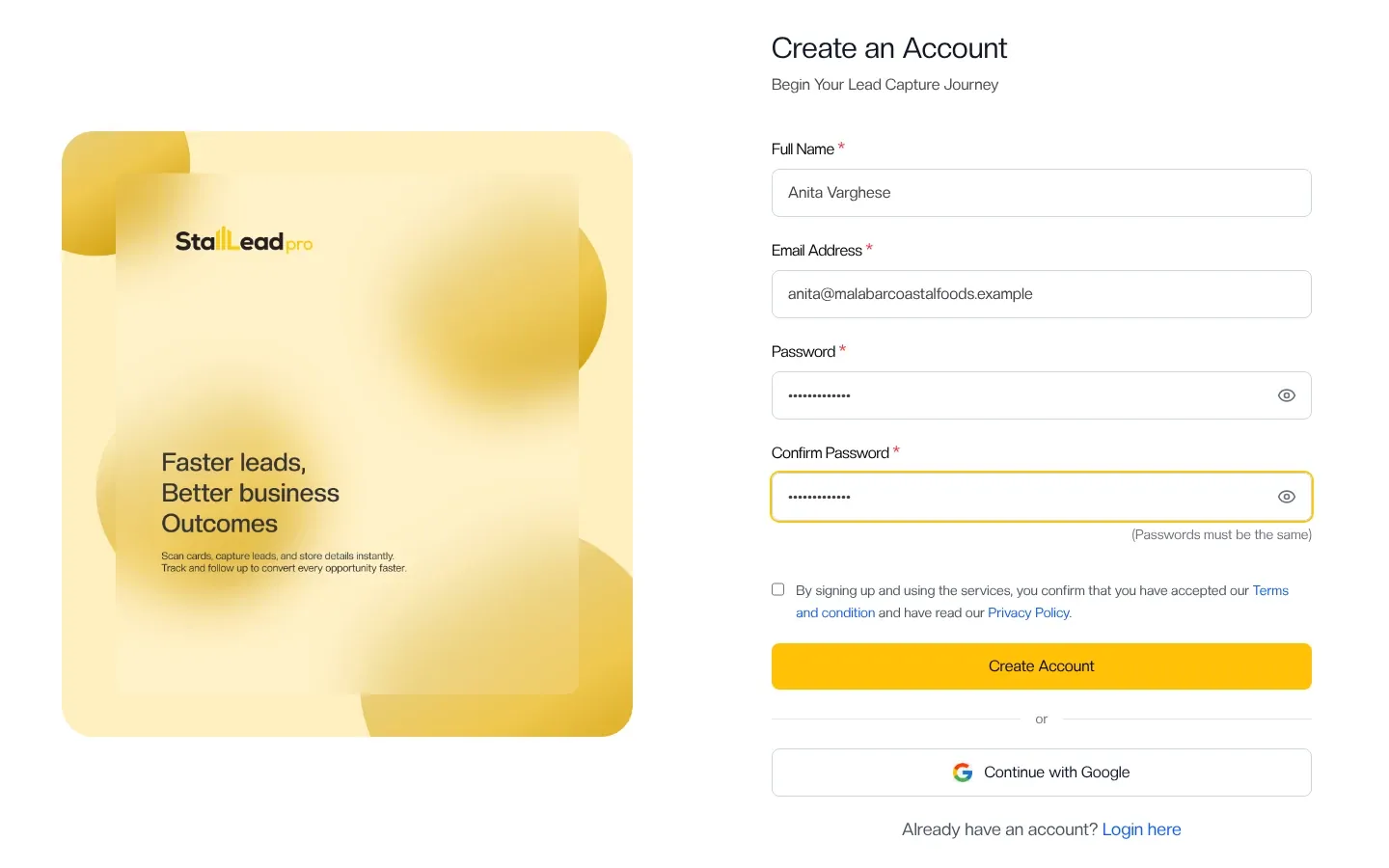
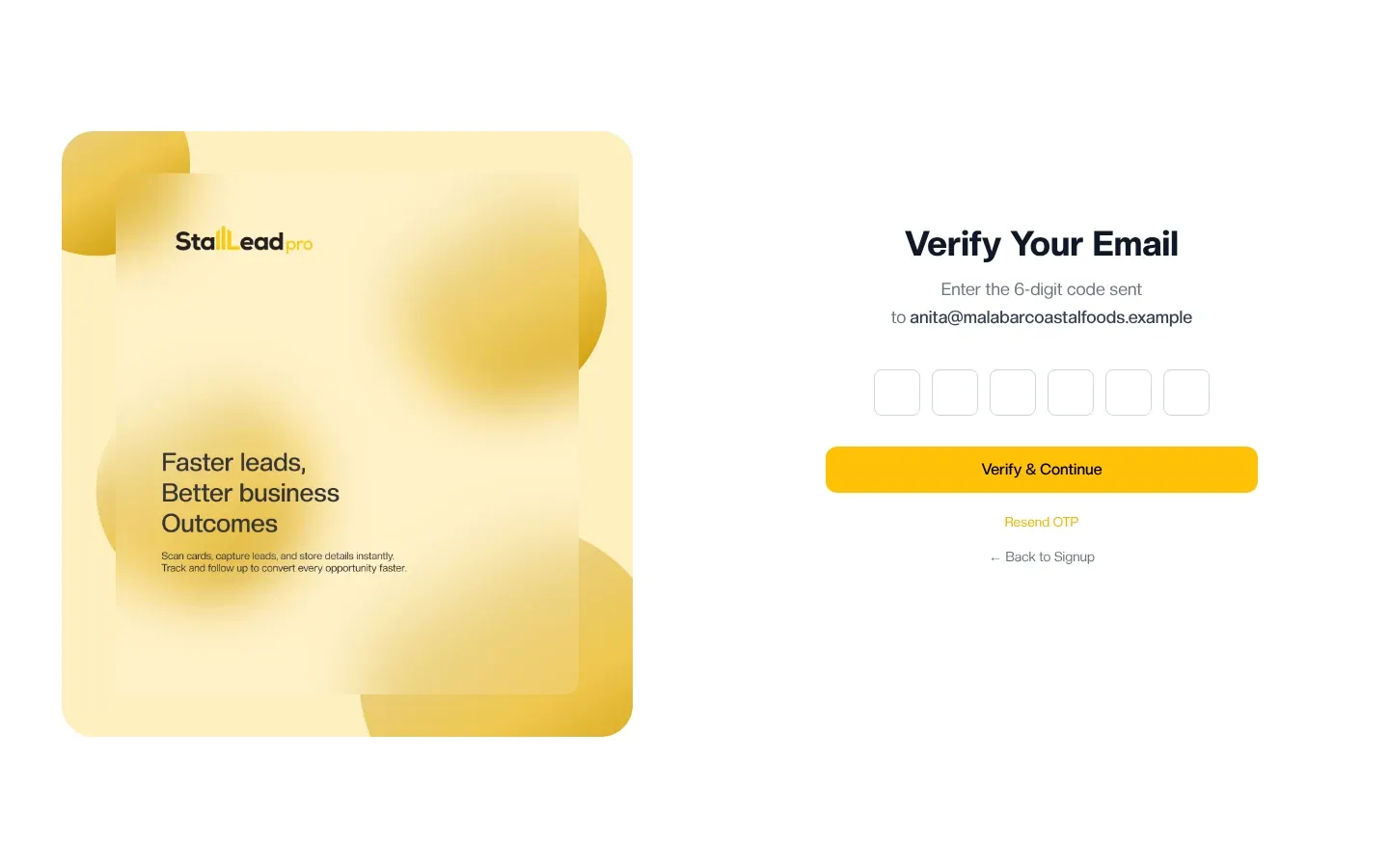
| Set up a new account | Create your account |
| Get ready for your first show | First-show checklist |
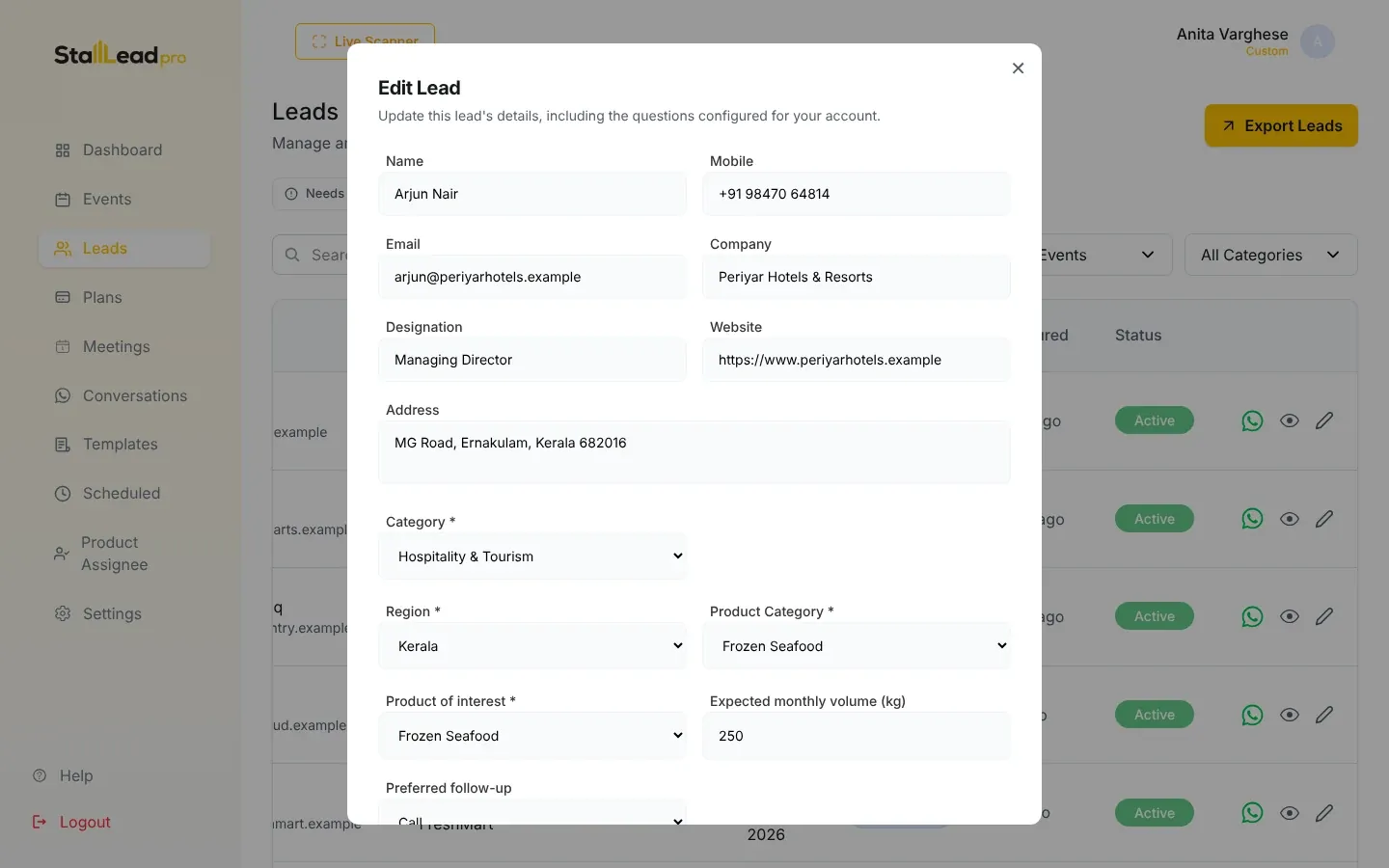
| Capture leads at the stall | Open the scanner |
| Work without internet at the venue | Capturing leads offline |
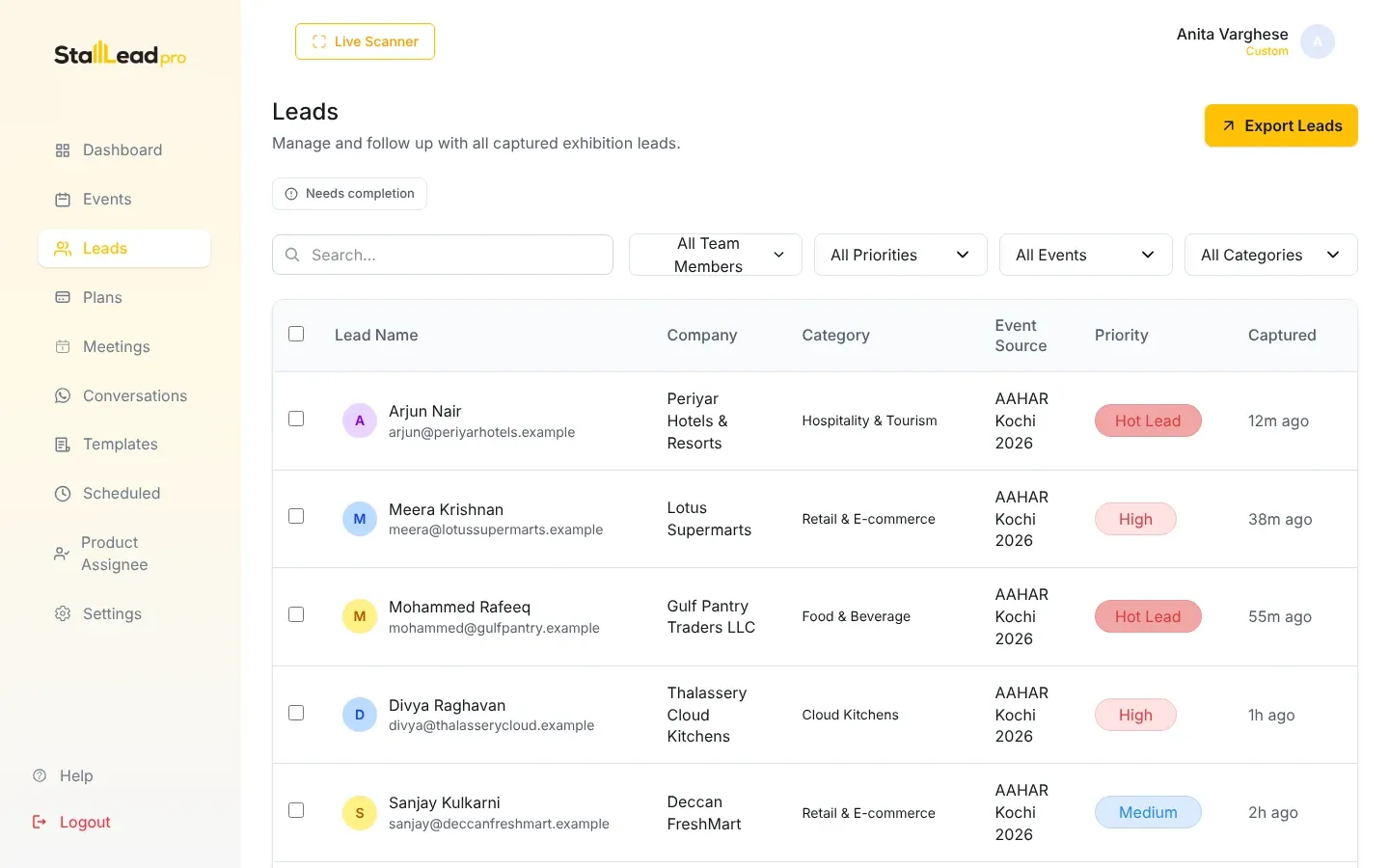
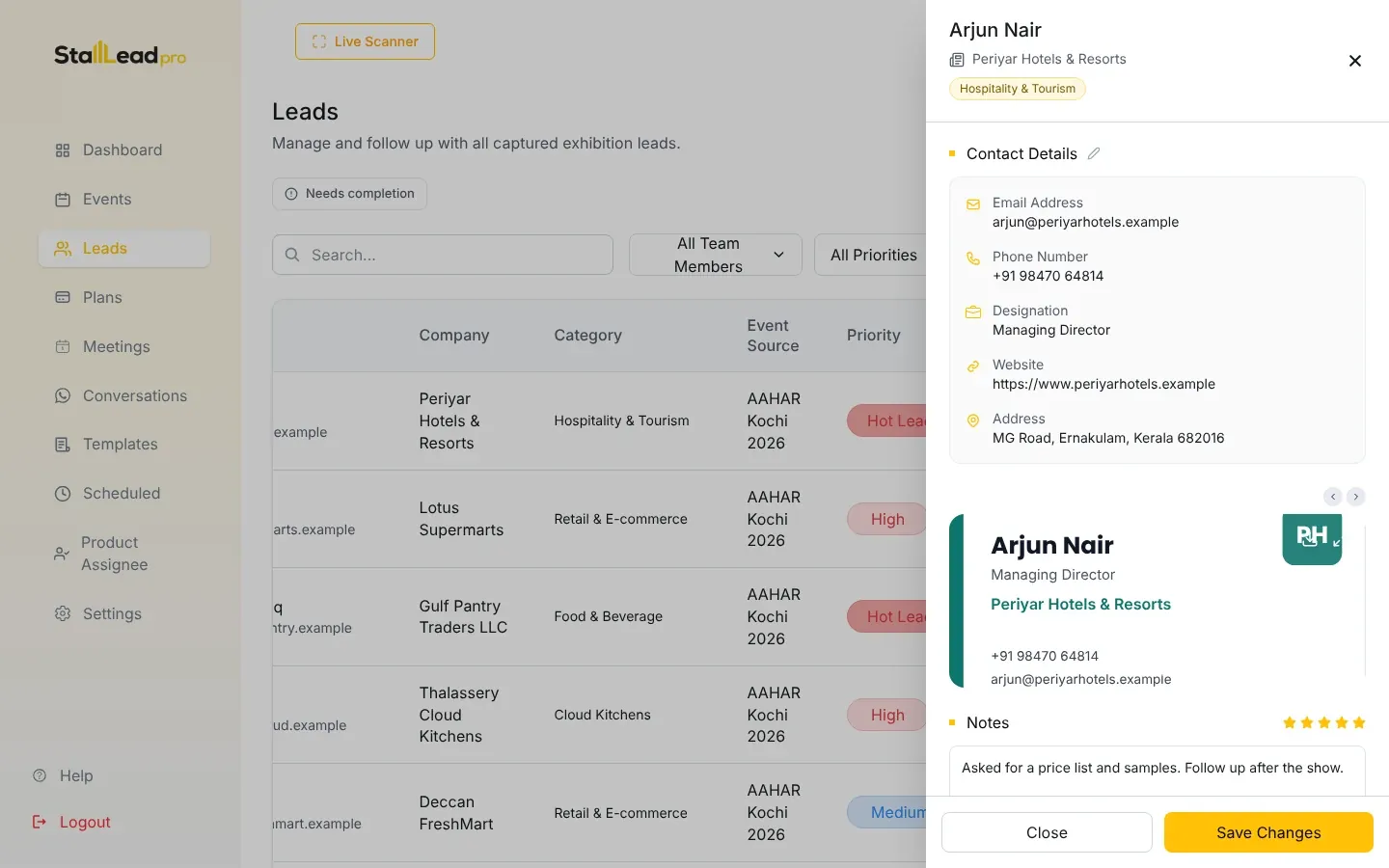
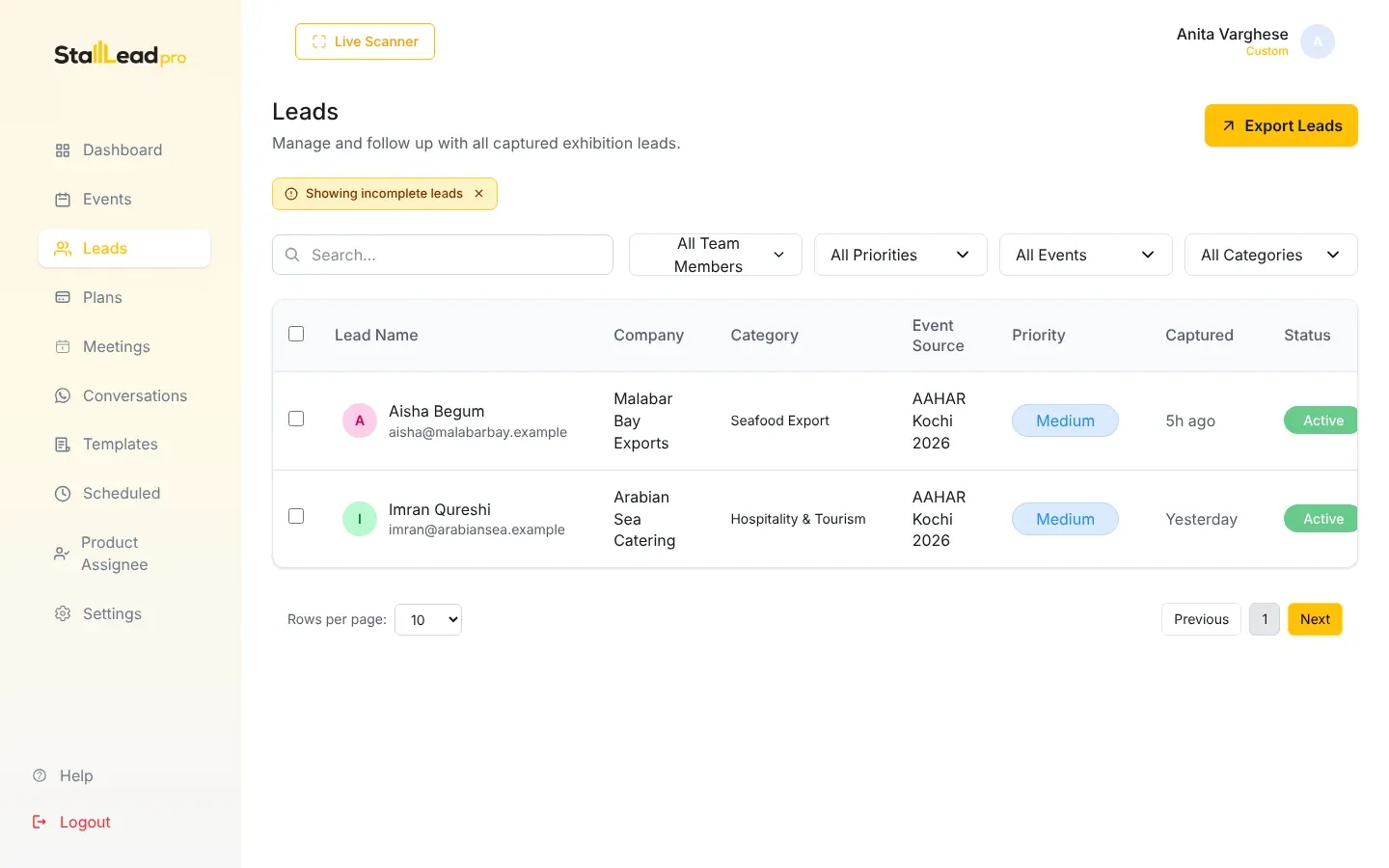
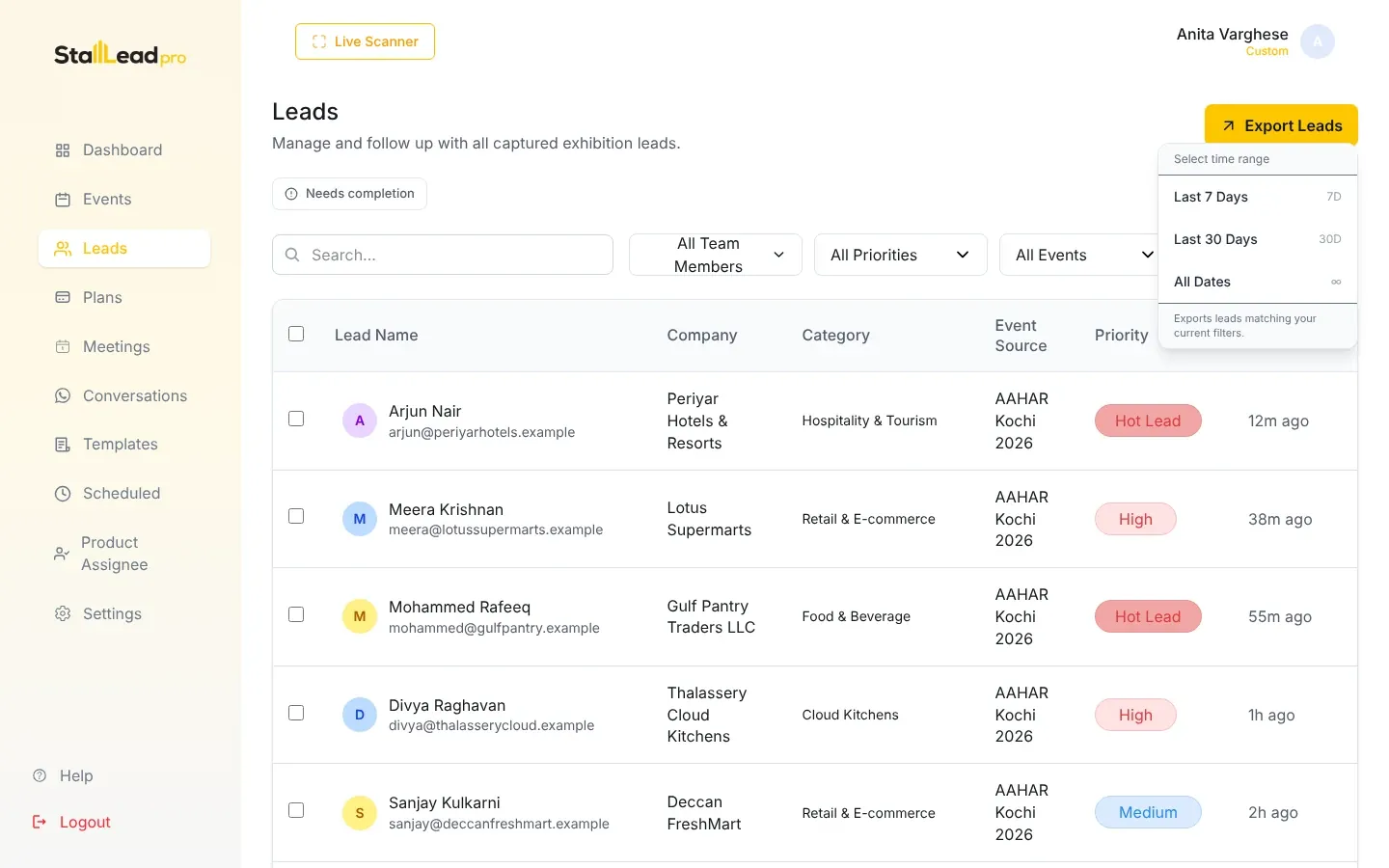
| Follow up after the show | The leads list |
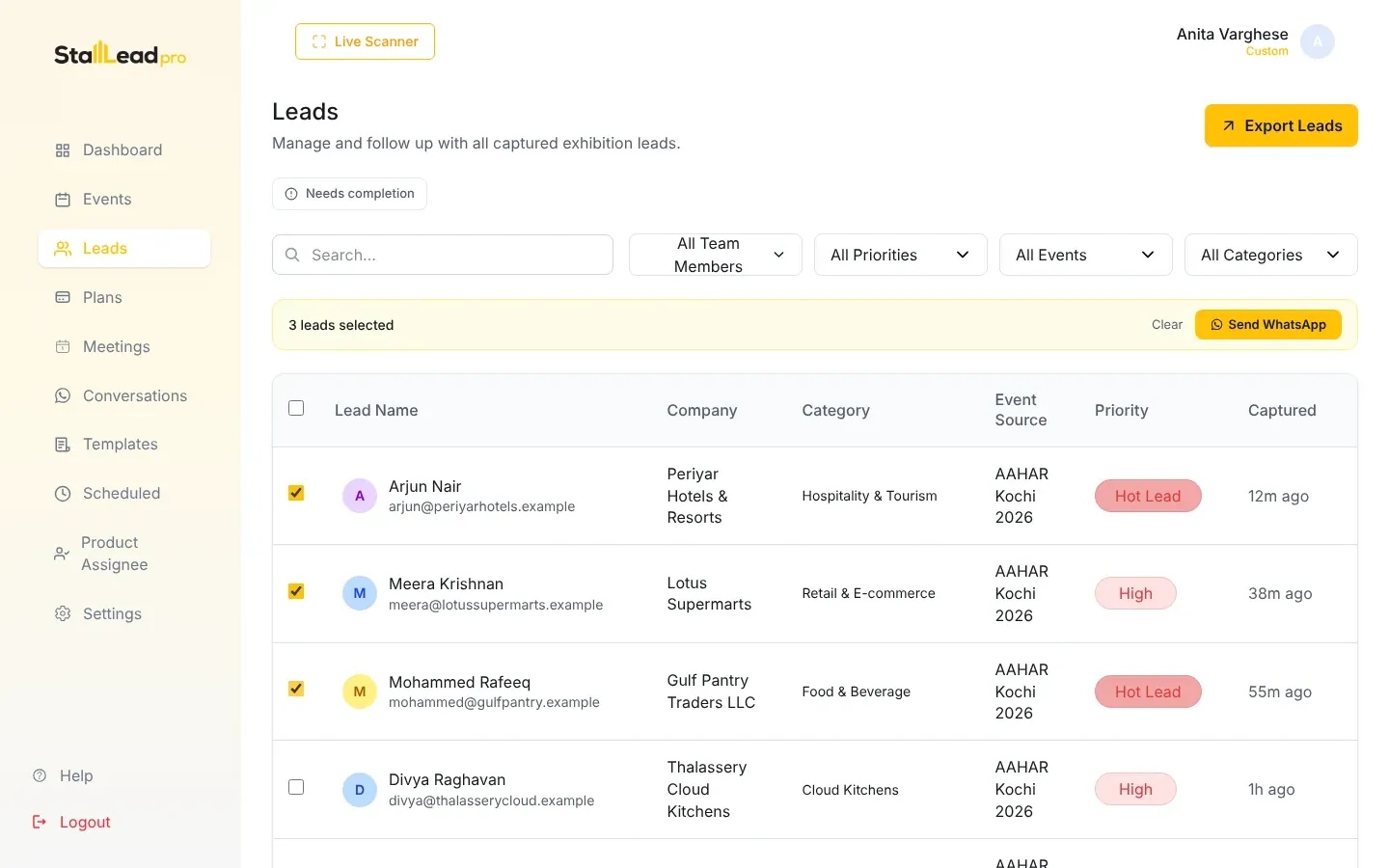
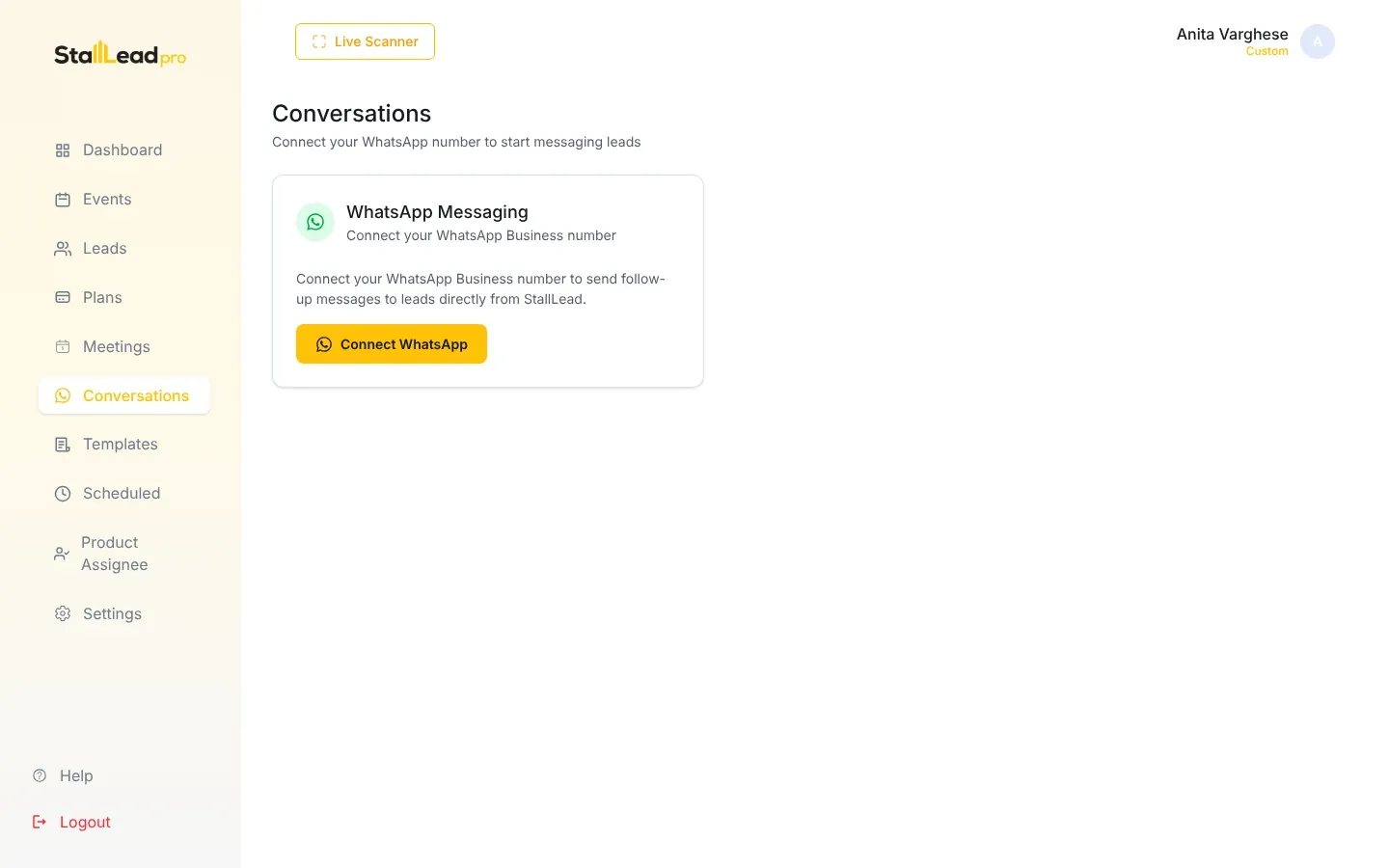
| Send WhatsApp messages | Connect WhatsApp |
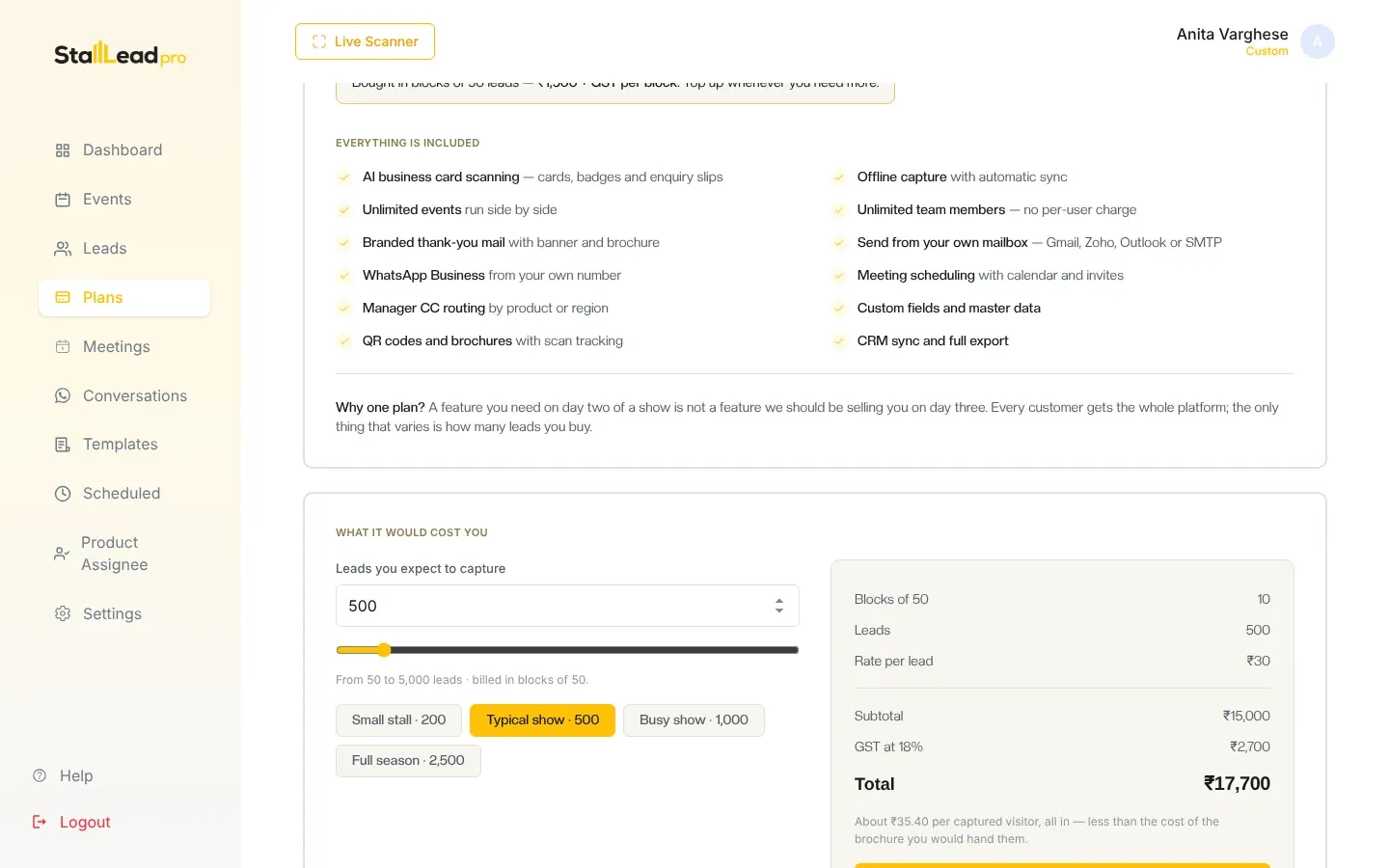
| Buy more leads | Pricing and buying leads |
| Fix a problem | Troubleshooting |
Browse by topic
Overview
What StallLead Pro does, every feature, and how it works — with flowcharts.
Getting started
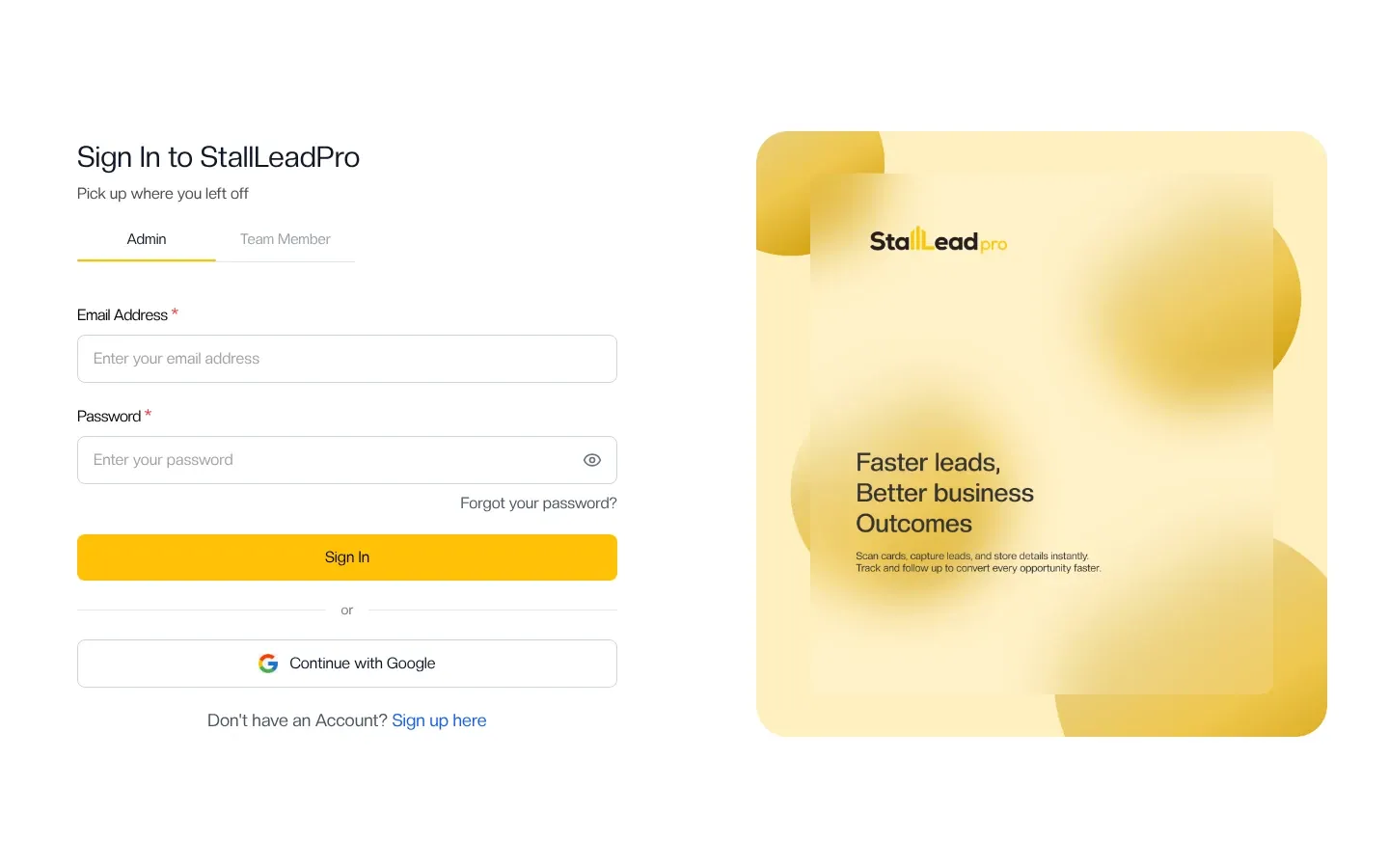
Create your account, sign in and find your way around.
Set up your account
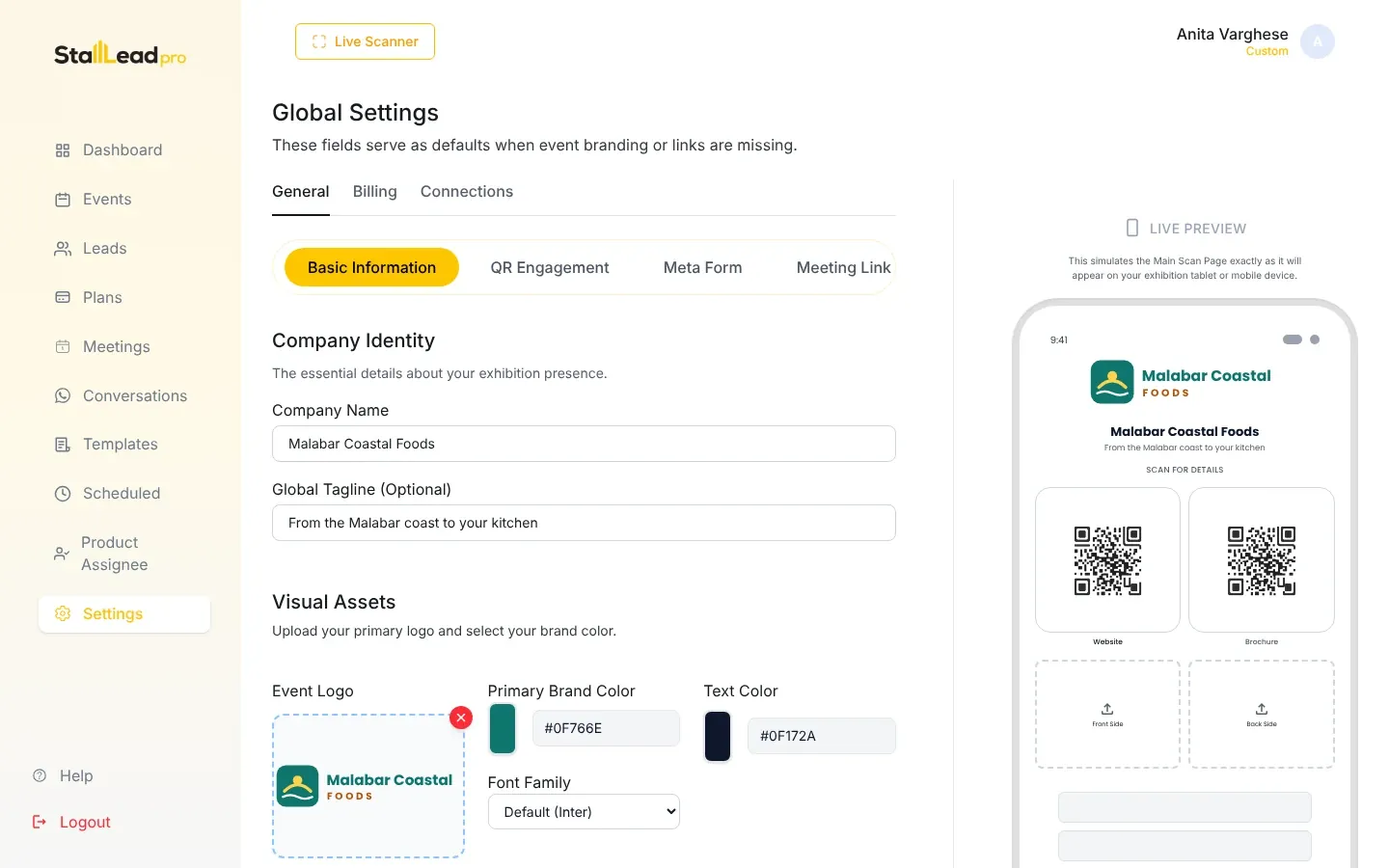
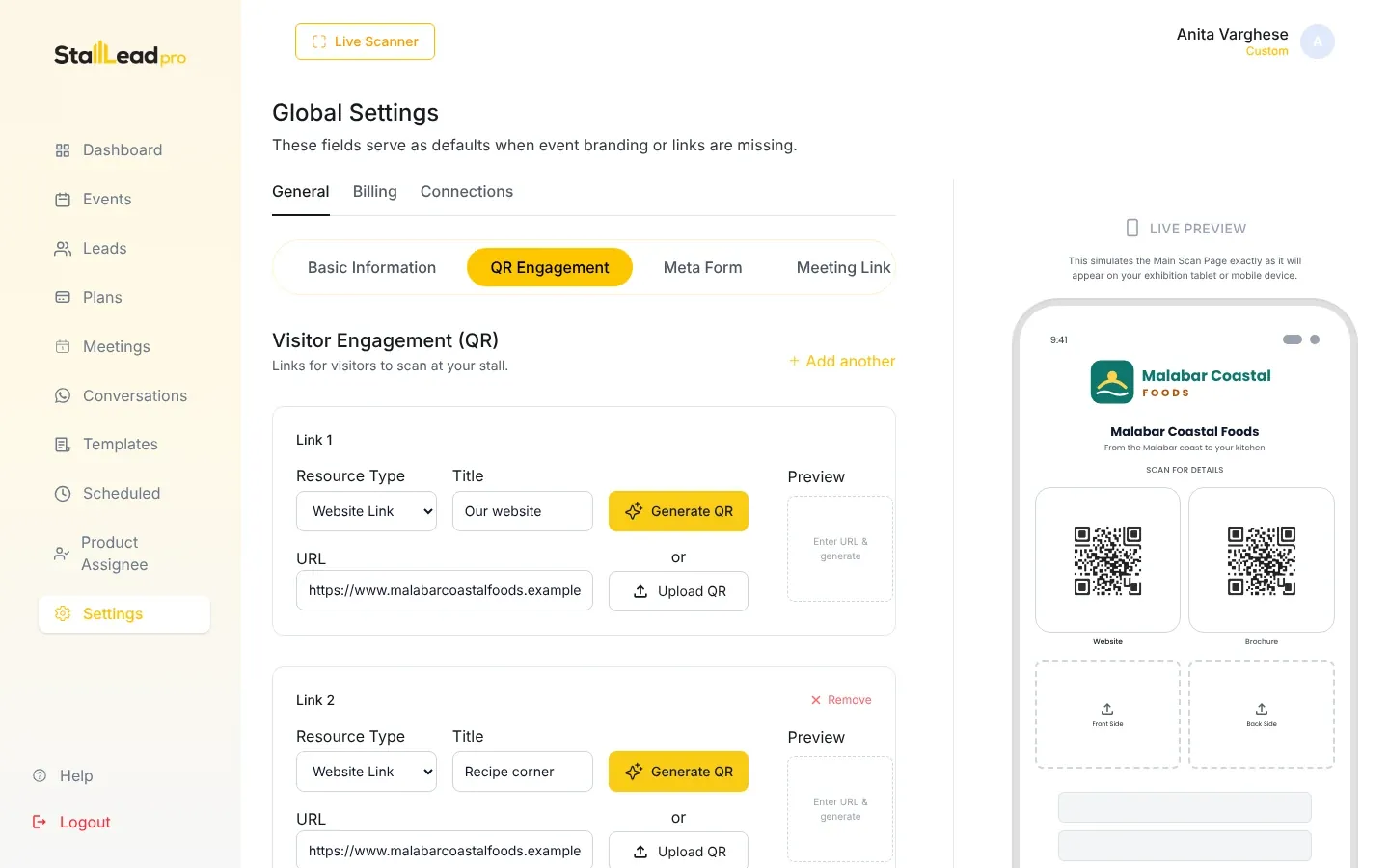
Branding, questions, lead fields, categories, email and CRM.
Events and team
Create events and give stall staff their own logins.
At the booth
Scan cards and badges, fill the form, save — online or offline.
Leads and follow-up
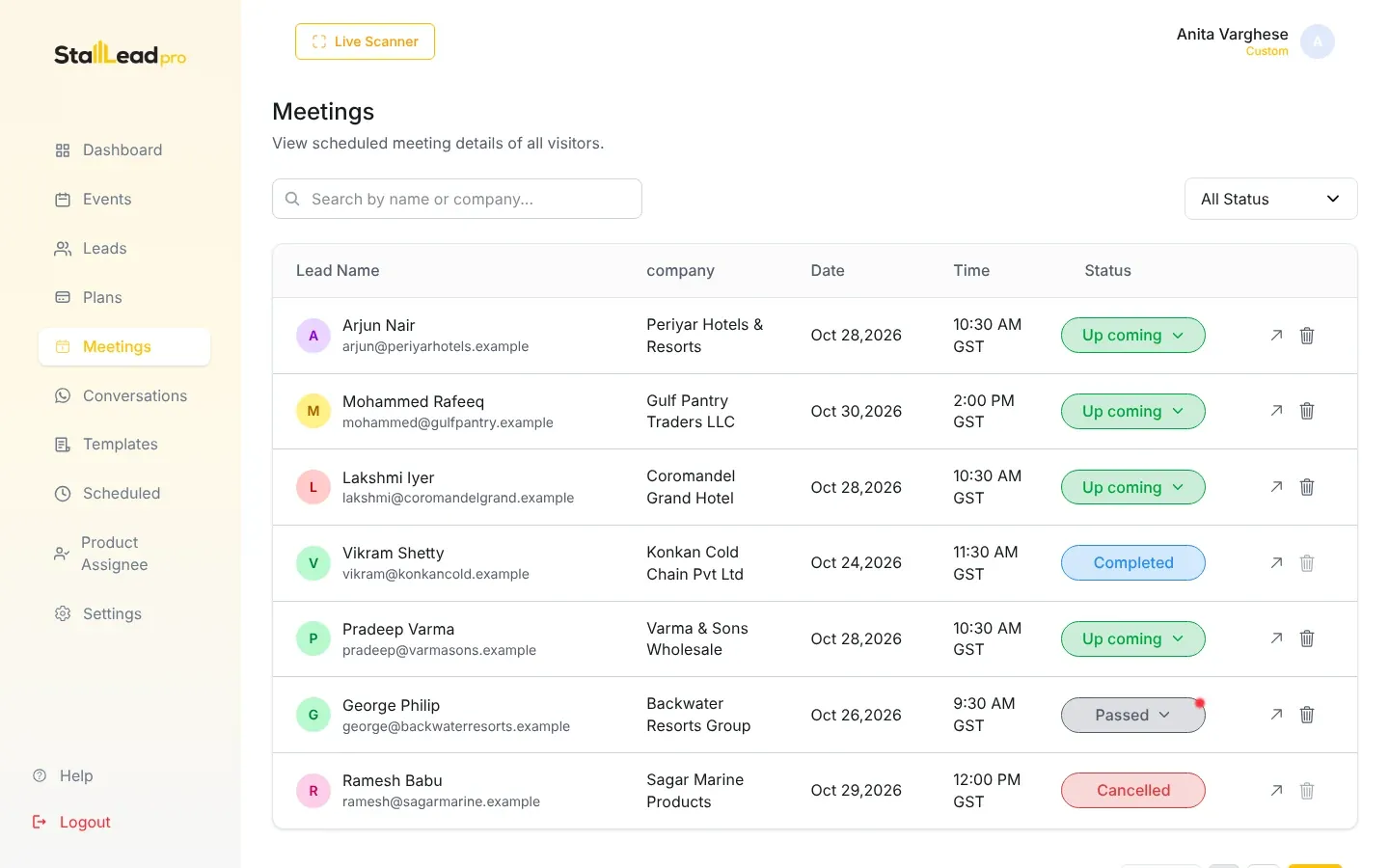
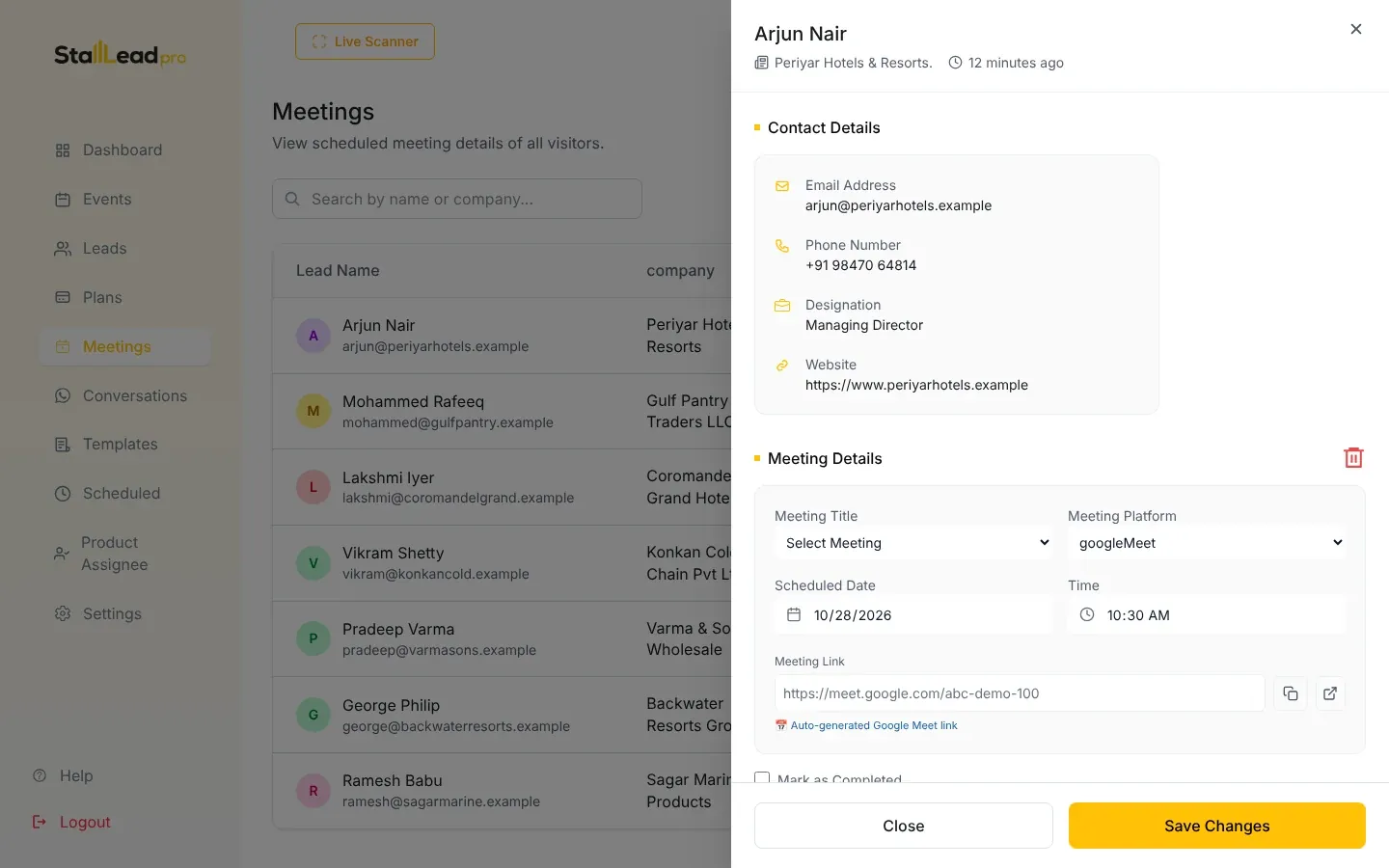
Work the leads list, export, email and meet.
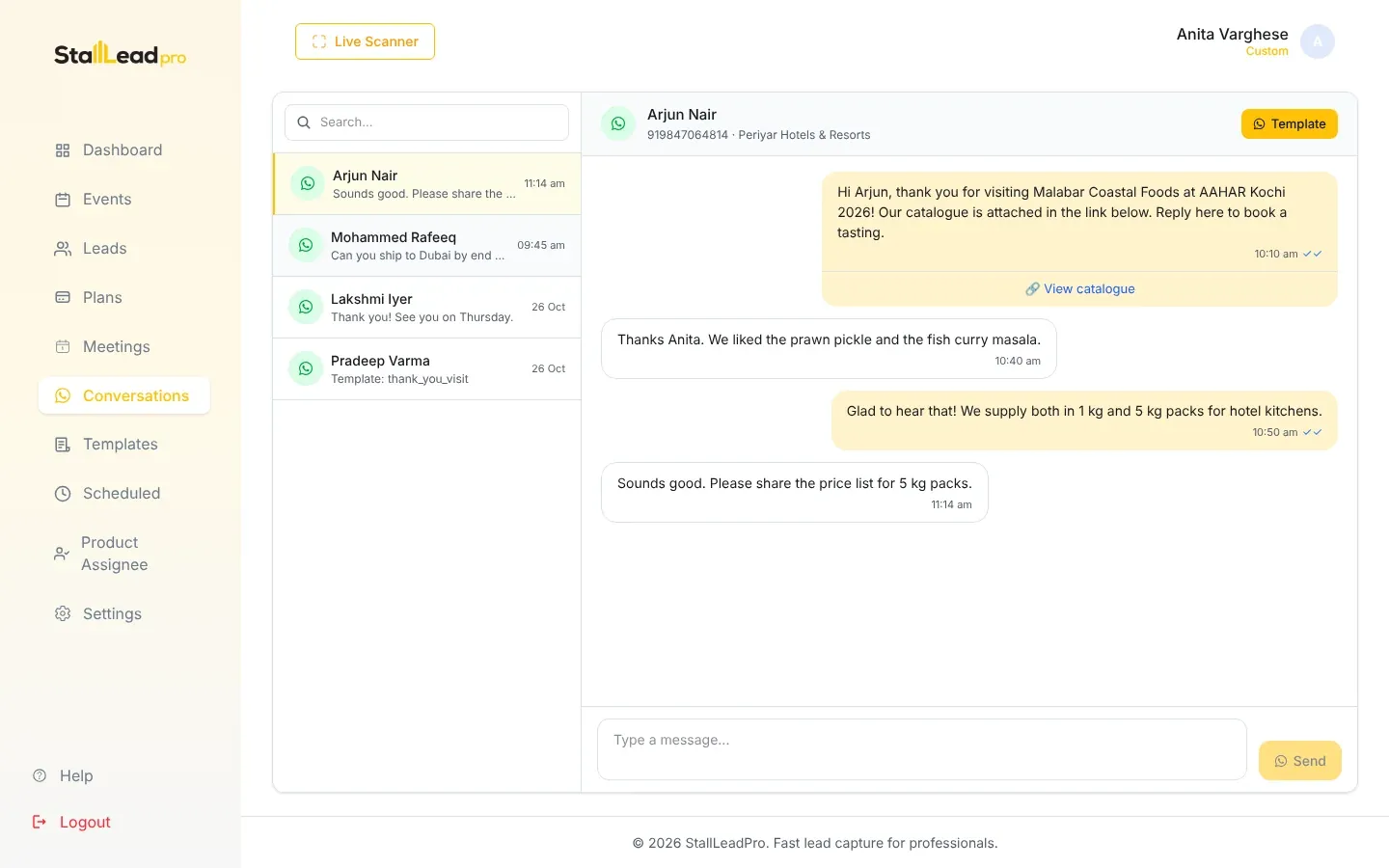
Connect your number, templates, sending and the inbox.
Billing
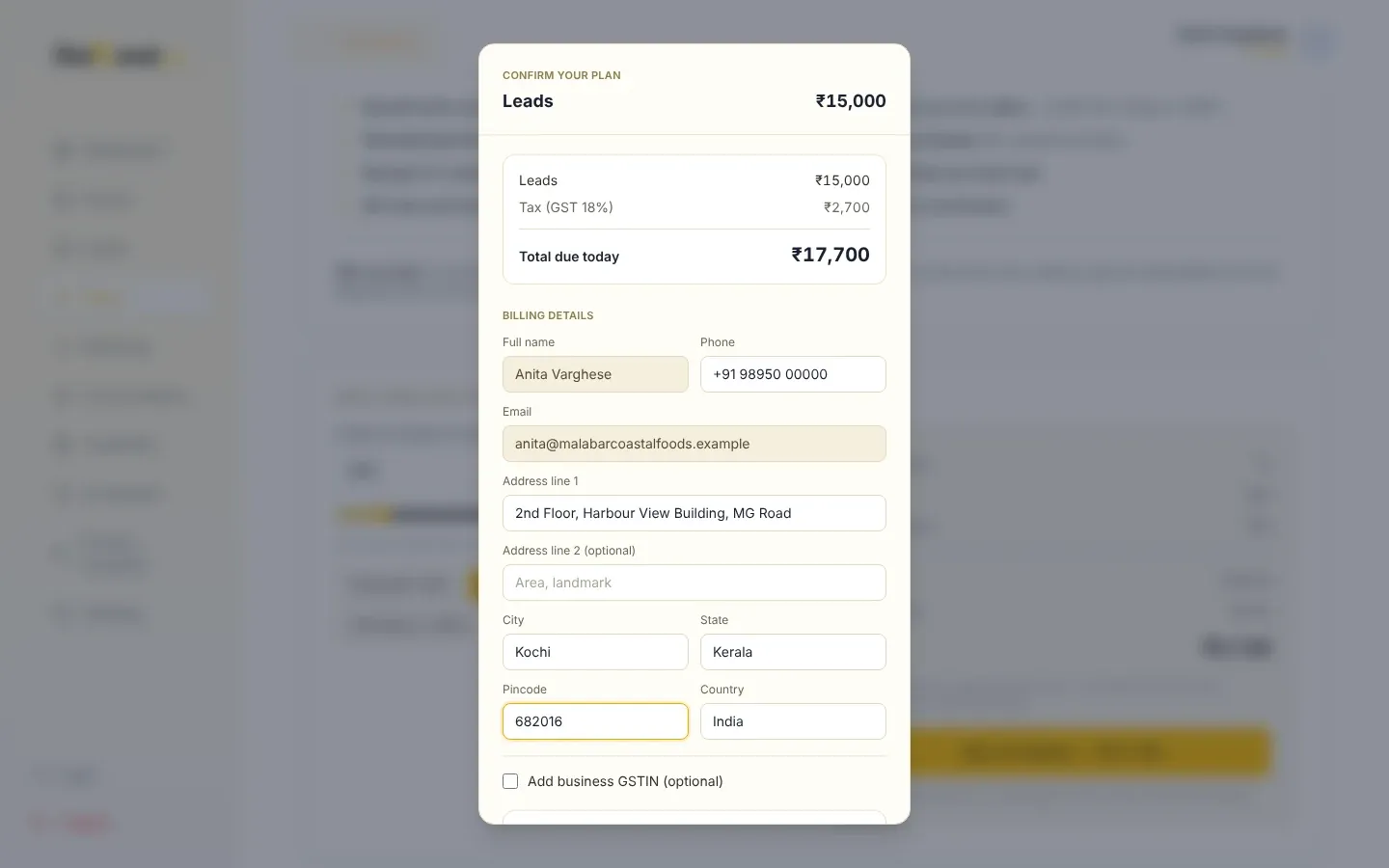
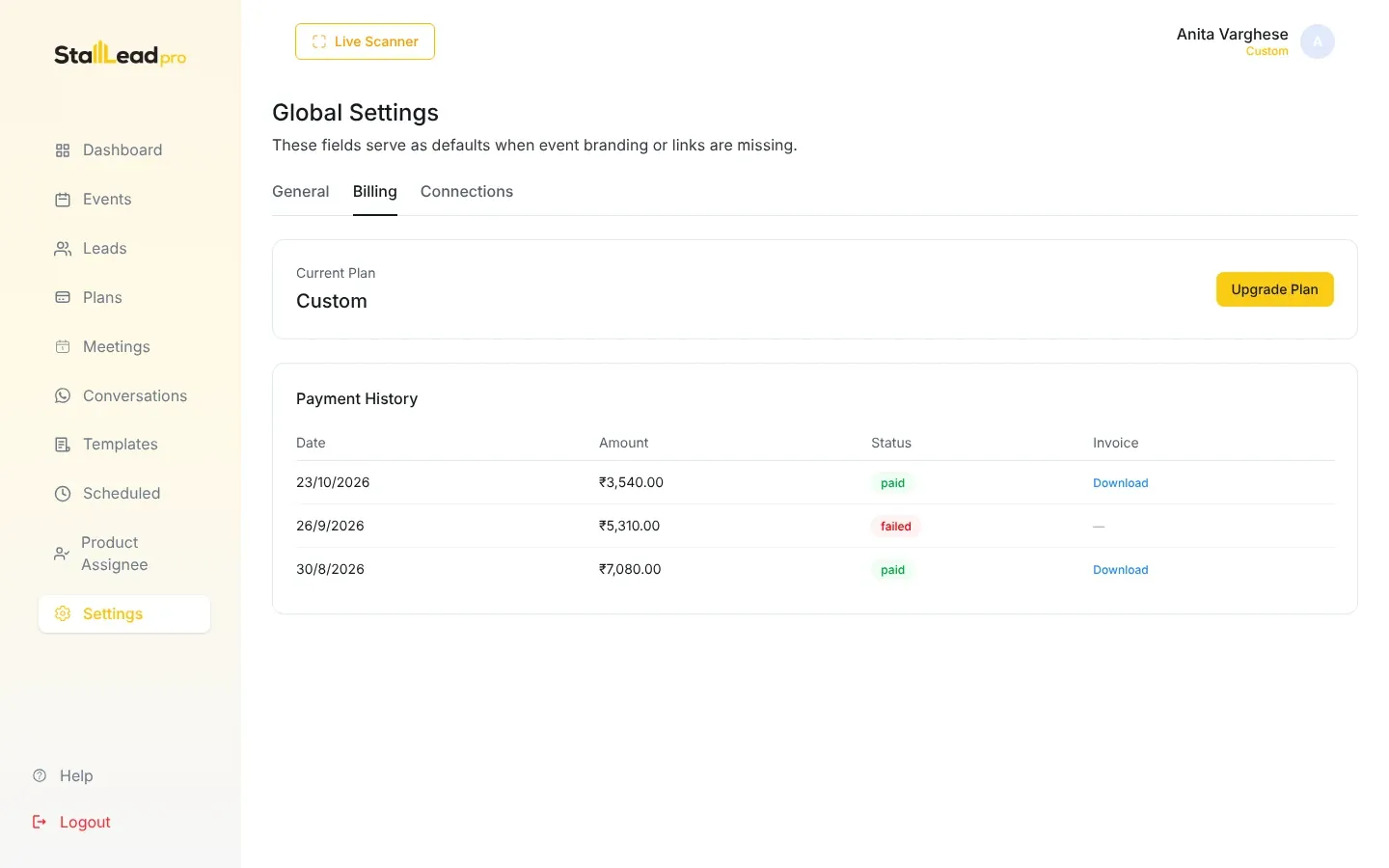
Pricing, buying leads, your balance and invoices.
Platform administration
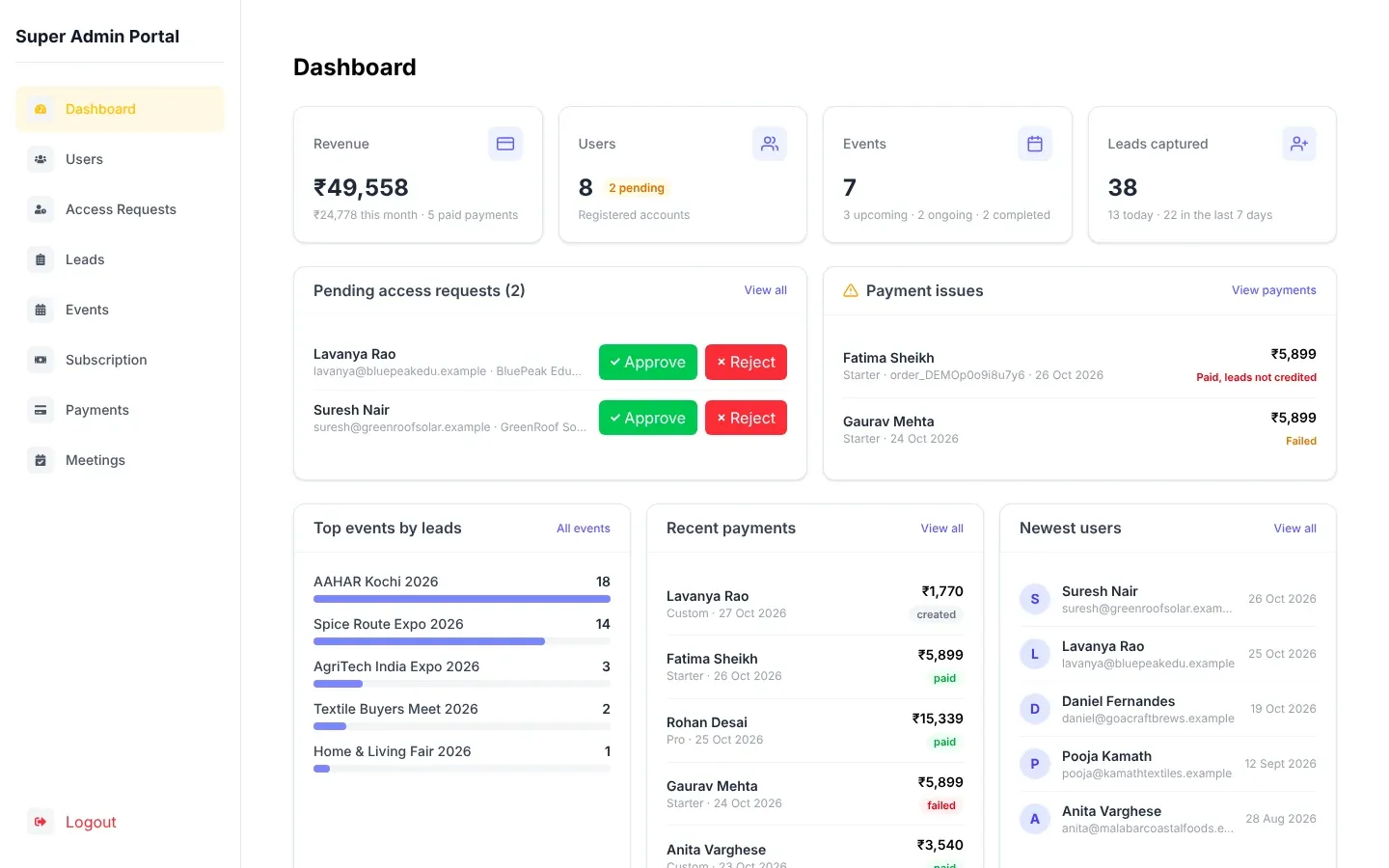
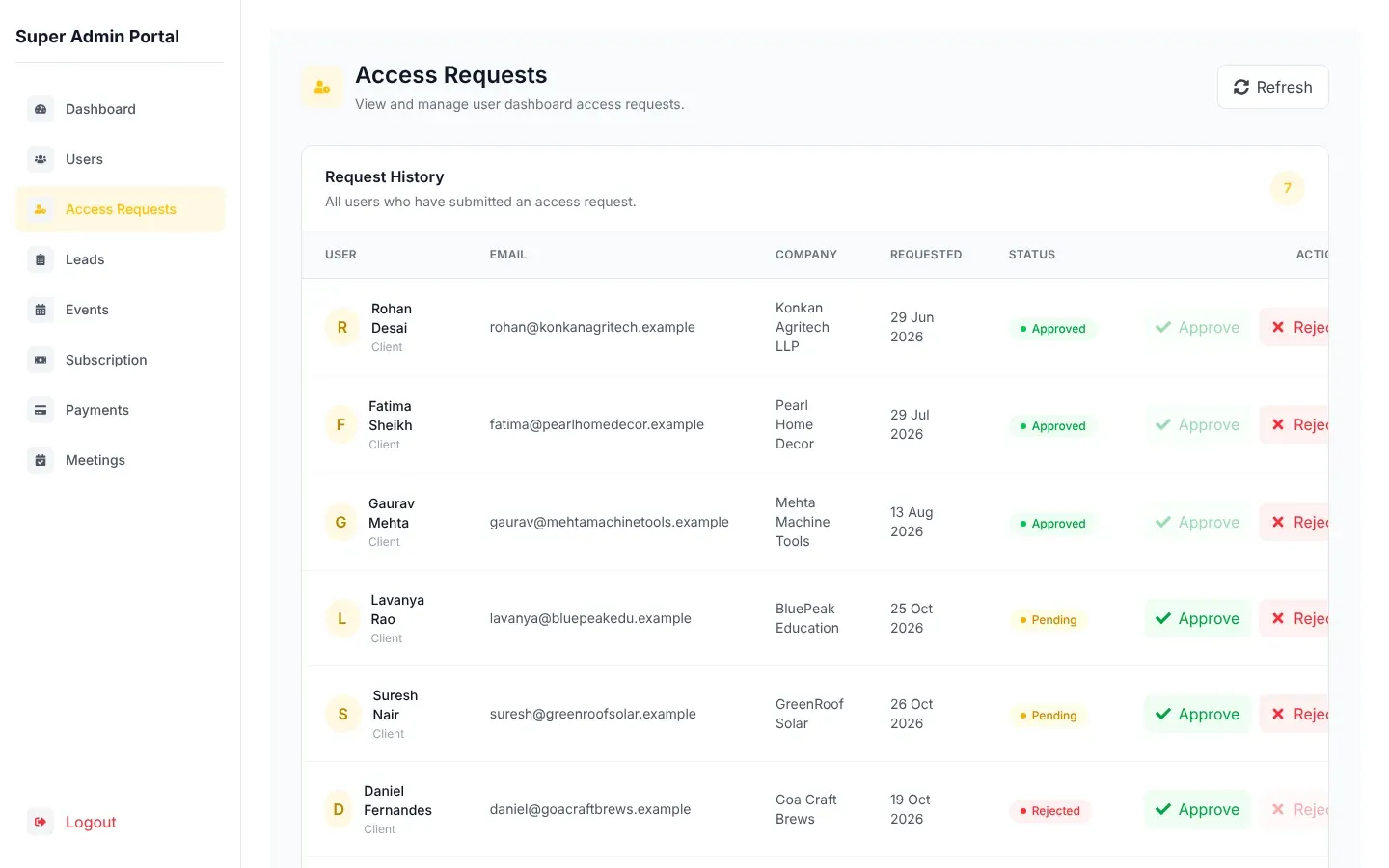
For Canary Digital staff who run the platform.
Help and reference
Troubleshooting, FAQ, privacy, limits and terms.